

I got the hard drive on eBay, but this is the procedure/pics for the Hard Drive installed
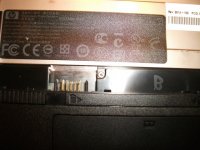
You first start by removing the screws located under the battery (you have to remove the battery)
There are two screws, the lower:
once you remove the screws, you pull the keyboard back, then up and away (careful with the ribbon)
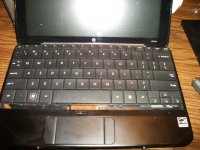
After that, you will have access to the hard drive.
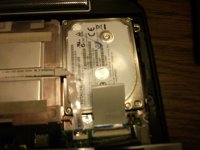
Keep in mind, you will have to remove the USB port prior to installing the drive. The SSD is actually smaller than a SoDIMM in a laptop.
but this is what it looks like externally without the USB port
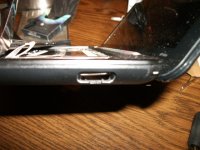
That's pretty much it!
You first start by removing the screws located under the battery (you have to remove the battery)
There are two screws, the lower:
once you remove the screws, you pull the keyboard back, then up and away (careful with the ribbon)
After that, you will have access to the hard drive.
Keep in mind, you will have to remove the USB port prior to installing the drive. The SSD is actually smaller than a SoDIMM in a laptop.
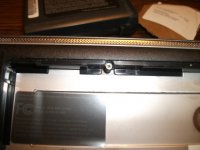
but this is what it looks like externally without the USB port
That's pretty much it!