

Servant A New Shell For The Macintosh
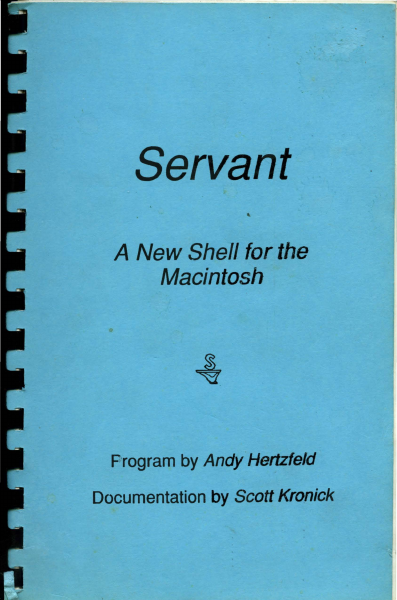
Servant A New Shell For The Macintosh
Macintosh · 1987 · PDF
| Filename | Servant_A_New_Shell_for_the_Macintosh_1987.pdf |
|---|---|
| Size | 3.69 MB |
| Year | 1987 |
| Source | Apple Computer |
| Subsection | servant |
| Downloads | 19 |
Enjoying MacTrove?
Anonymous downloads are free and unlimited.
Create a free account to track favorites
and contribute metadata corrections.
Reader
Loading…
OCR / Text contents
Servant
A New Shell for the
Macintosh
Frogram by Andy Hertzfeld
Documentation by Scott Kronick
Servant
A New Shell for the
Macintosh
.Program by Andy Hertzfeld
Documentation by Scott Kronick
Copyright © 1987 by Scott Kronick
All rights reserved. No part of this publication may be
reproduced, stored in a retrieval system, or transmitted, in any
form or by any means, electronic, mechanical, photocopying,
recording, or otherwise, without the prior written permission of
the author. Printed in the United States of America.
Products that are known by the author to be claimed as
trademarks appear in initial caps. This publication is intended
for informational purposes only and is subject to change without
notice. The author assumes no liability for any errors or
inaccuracies that may appear in this text.
Contents
1
Introduction to Servant
How is the manual organized?
What hardware and system versions does
Servant require?
How is Servant being released?
Where can I send feedback about Servant?
7
Chapter 1: Exploring the New Desktop
Starting Servant
Using the Cursor to Push and Select
Selecting More than One Icon or Selecting
None
Bringing the Entire Desktop into View
Viewing Size and Information Formats
21
Chapter 2: Adding Special Touches
Making Custom Icons and Using Folder Tricks
Setting the Background and the Startup Application
Making Servant Talk
33
Chapter 3: Using the Desktop and Applications
Together
Launching an Application
Switching between an Application and the
Desktop
Adding Another Application
Switching Tips
45
Chapter 4: Exploring Resources
Understanding Resources
Opening a Resource
Playing with the System and its Desktop
Icons
57
Chapter 5: Servant Reference
Annotated List of Features
Topic Index to Features
Graphic Index to Features
Introduction to Servant
When you turn on a Macintosh and Insert a disk, you expect to
see a desktop and Its icons. This is the starting point for you to
work with disks and launch applications.
Servant replaces the old starting point (created by the Finder
program in the System Folder) with a more powerful desktop
that is an accessible part of your work environment at all times.
As the central application between you and your disks, Servant
will:
• Perform desktop tasks faster, more conveniently, and more
informatively.
• Allow you to keep open numerous applications and disk
windows at the same time, and to switch from one to another
instantly by clicking in an application or disk window.
• Give you the ability to modify an application by directly
accessing and editing its resources .
•
•
•
On the Impetus for Servant
Servant is a replacement for Apple's Finder program. A lot of
programs like spreadsheets, word processors, and database
programs are constantly improving. Every month there's a
new one coming out that ups the ante a little bit and forces all
1
the people who have the other ones to improve their product to
make it better and better and better. That's just the best si…
Showing first 3,000 characters of 101,244 total. Open the full document →