

Dafax ROMswitcher
Dafax ROMswitcher
Lisa · 1987 · PDF
| Filename | Dafax_ROMswitcher.pdf |
|---|---|
| Size | 1.41 MB |
| Year | 1987 |
| Source | Apple Computer |
| Subsection | macintosh_xl |
| Downloads | 7 |
Enjoying MacTrove?
Anonymous downloads are free and unlimited.
Create a free account to track favorites
and contribute metadata corrections.
Reader
Loading…
OCR / Text contents
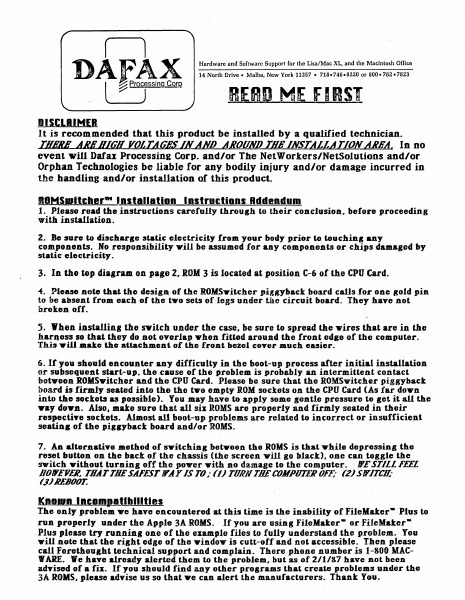
n
DAEAX
l
~ pro7sSing Corp'
Hardware and Software Support for the Lisa/Mac XL, and the Macintosh Office
14 North Drive - Malba, New York 11357 • 718-746.8220 or 800.782-7823
RERD ME FIeST
DISCLRIMER
It is recommended that this product be installed by a qualified technician.
THuE ANDRICH VOlTAGES IN AND ABOUND TQB INSTAUATIONAKEAc In no
event will Datu Processing Corp. and/or The NetWorkers/NetSolutions and/or
Orphan Technologies be liable for any bodily injury and/or damage incurred in
the handling and/or installation of this product.
ROMS_ltcher'" I nstlln.llon Instructions Rddendum
1. Please read the instructions carefully through to their conclusion. before proceeding
with installation.
2. Be :sure to discharse static electricity from your body prior to touchins a.ny
components. No responsibility wjll be assumed for any components or chips damaged by
static electricity.
3. In the top dial ram. on page 2. ROM 3 is located at position C-6 of the CPU Card.
of. Please note that the desigA of the ROMSyitcher piggyback board calls for one Bold pin
to be absent f.rom each of the tyO sets of legs under the circuit board. They have not
"broken off.
5. When installiJlI the switch uJlder the case. be sure to spread the wires that are in the
har~ess so that they do not overlap when fitted around the front edge of the computer.
"fhi:."ill mate the attachment of the front bezel cover much easier.
6. If you should encounter any difficulty in the boot-up process after initial installation
or subsequent start-up. the cause of the problem is probably an intermittent contact
between ROMSyitcher and the CPU Card. Please be sure that the ROMSvitcher piggyback
boa.rd is firmly seated into the the two empty ROM sockets on the CPU Card (As far down
into the sockets as possible). You may havo to apply some sontle pressure to get it all the
yay doy.D. Also I make sure that all six ROMS are properly and firmly seated in their
respectiTe sockets. Almost all boot-up problems are related to incorrect or insufficient
seatinR of the" piglyback board and/or ROMS.
7. An alternatiTe method of SYitching between the ROMS is that while depressing the
reset button on the back of the chassis (the screen will go black). one can toggle the
switch without turning off the power with no damage to the computer. IT£ STILL FEEL
BOlY£YE/l THAT THE SAFEST lY.A Y IS TO ,. (1) TORN TDE COMPUTER OFF; (2) S ITITCIl'
(.1) llEBOOT.
KnoUJn Incompatibilities
The only problem ye have enc:ountered at this time is the inability of FileMaker- Plus to
run properly under the Apple 3A ROMS. If you are using FileMaker- or FileMakerPlus ,lease try running one of the example files to fully understand the problem. You
"ill note that the right edge of the 'Window is cutt-off and not accessible. Then please
call Forethought technical support and complain. There phone number is 1-800 MAC"ARE. We have already alerted them to the problem. but as of 2/1/87 have not been
advised of a fix. If you should fi…
Showing first 3,000 characters of 67,780 total. Open the full document →