

Caps Off 1.1

Caps Off
Configuration · v1.1
| Filename | caps-off-11.hqx |
|---|---|
| Size | 784.6 KB (803458 bytes) |
| Architecture | PowerPC |
| Downloads | 27 |
Enjoying MacTrove?
Anonymous downloads are free and unlimited.
Create a free account to track favorites,
contribute metadata corrections, and join the
community chat.
About
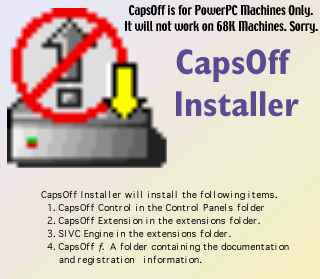
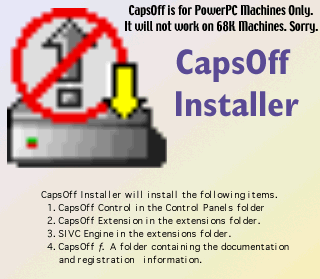
CapsOff is a System Extension and Control Panel that disables the Capslock key on PowerPC based Macintosh computers.
Without CapsOff installed there can be annoying problems when the capslock key is hit by accident. You might type a whole stream of characters in capital letters. Or your password keeps getting refused because you are typing in upper case instead of mixed case.
With CapsOff installed hitting the CapsLock key will no longer be a problem. You can configure it to play a simple beep when the key is hit and then block the normal action of the CapsLock so that you still get lowercase letters instead of CAPITALS. At anytime you can enable and disable CapsOff by using a hotkey combination of your choosing. In addition you can have CapsOff show an icon in the menubar when the CapsLock key is down. This acts as a reminder and is especially helpfull if you don't have a capslock light on your keyboard.
Enjoy!
Peter
Screenshots
File Info
Original Source: info-mac
This file is part of the MacTrove archive. See the Thank You page for the upstream mirrors we rely on. It is BinHex encoded. Use The Unarchiver to decode it.


