

Snap N Clip 1.1

Snap N Clip
User Interface · v1.1
| Filename | snap-n-clip-11.hqx |
|---|---|
| Size | 52.2 KB (53427 bytes) |
| Downloads | 16 |
Enjoying MacTrove?
Anonymous downloads are free and unlimited.
Create a free account to track favorites,
contribute metadata corrections, and join the
community chat.
About
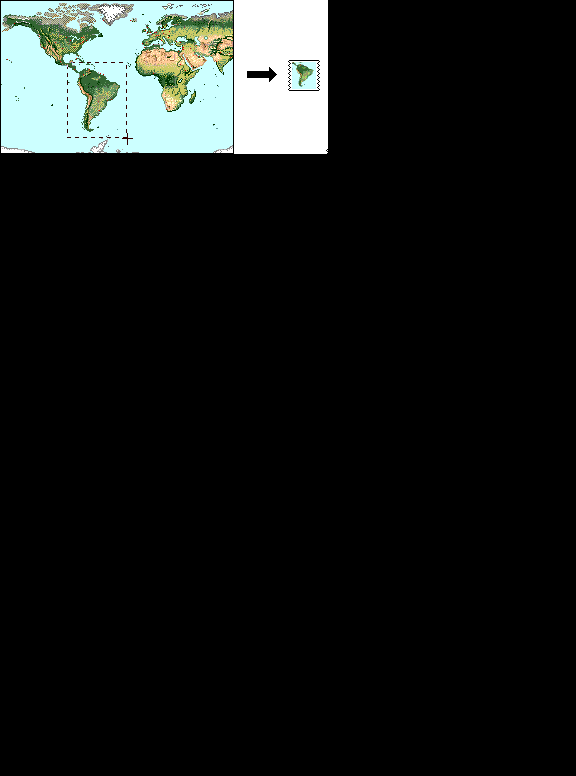
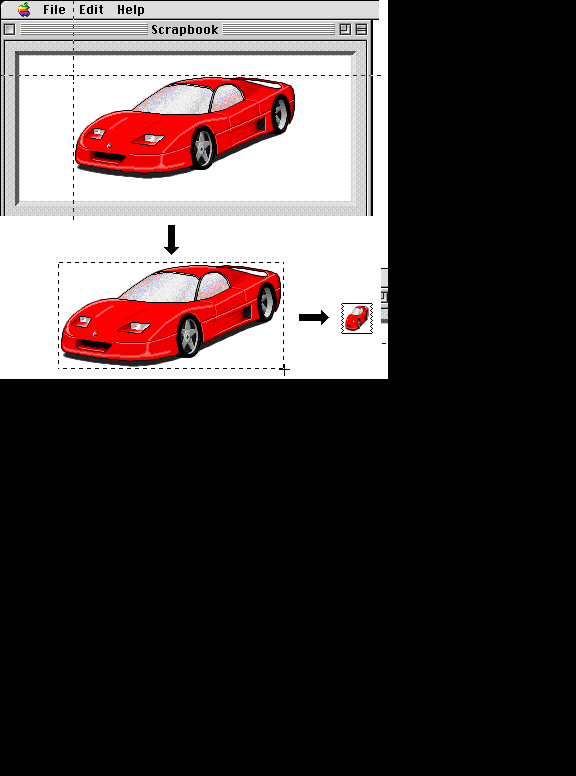
Have you ever feel like this ? * I wish I could save the captured image into a clipping file so that I can view it easily later. * I wish I could see the content of the captured image easily by looking at icons. * I wish I can cancel the operation in the middle without creating capture file. * I wish I could capture non-rectangle shape image easily without making wastful space around the image. * Shoot, the mouse has just moved a little bit when I release the mouse button. I wish I could select the capturing area more easily.
These are the things I always feel when I am using screen capture tools. What's the reason I develop this Snap'n Clip.
You can use Snap'n Clip in many ways. I myself uses it frequently to take a picture memo while I am surfing the WWW. It's easy to take the WWW page with images and text with Snap'n Clip. I only use HTML/image download programs or off-line browsing tools that utilize the browser's cache for capturing entire site. These tools are really useful, but it's not good for taking only the part of the page as a memo.
Captured picture will be saved as a picture clipping file in the DeskTop with a thumbnail icon. So you can see it later just by double-cliking them from the Finder. No need to use graphic application program. Snap'n Clip has many nice features to make the screen capturing easy.
** What's New with 1.1 **
1.1 has added the shutter sound (like System's capturing tool) and the inversed capturing area effect when it capture the screen. Also there are some minor improvements in operation.
Screenshots
File Info
Original Source: info-mac
This file is part of the MacTrove archive. See the Thank You page for the upstream mirrors we rely on. It is BinHex encoded. Use The Unarchiver to decode it.


