
Thread
How to make a boot floppy (7.5.3)
*in alphabetic order
Absynth 2 (Synthesizer) - Native Instruments
STATUS: Acquired
Albino v1 (Synthesizer) - Linplug / Rob Papen
STATUS: Acquired
B4 v1 (Virtual B3 Organ) - Native Instruments
STATUS: Acquired
Battery v1 (Drum Sampler) - Native Instruments
STATUS: Acquired
CS-80 v1.5 (Synthesizer) - Arturia
STATUS: Acquired

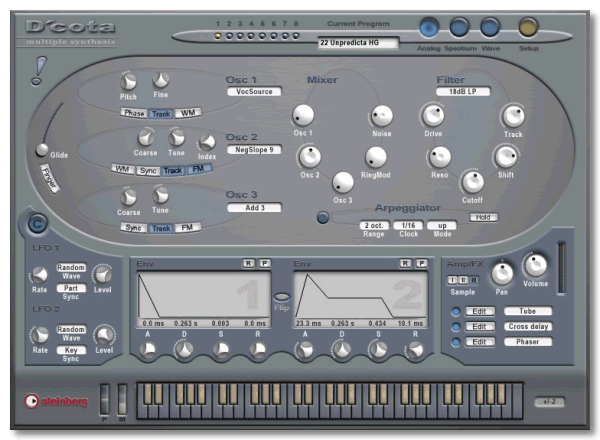
D'cota (Synthesizer) - Steinberg
STATUS: Acquired
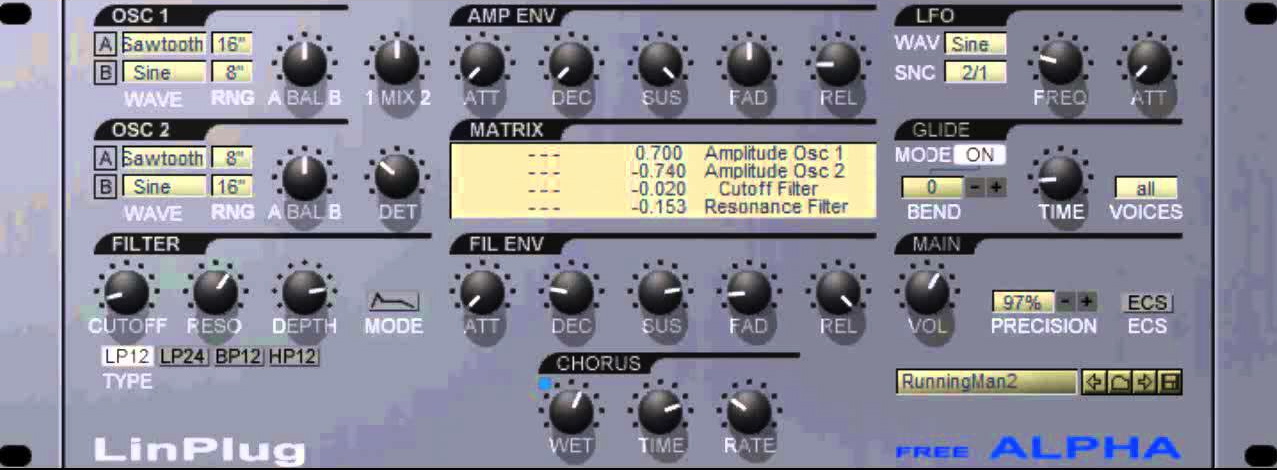
Free Alpha (Synthesizer) - Linplug
STATUS: Acquired
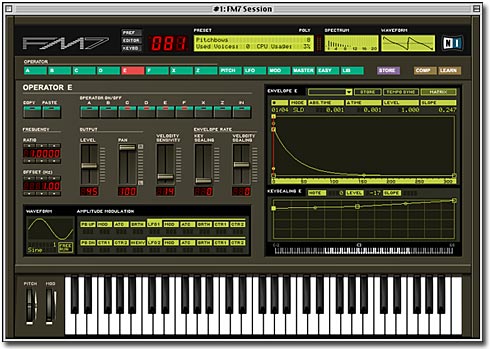
FM7 (Synthesizer) - Native Instruments
STATUS: Acquired
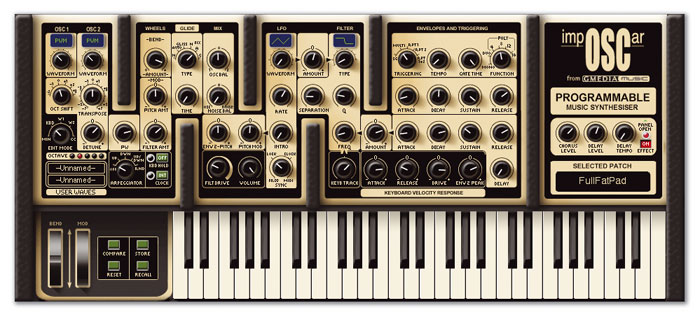
impOSCar (Synthesizer) - GMedia / GForce
STATUS: Acquired
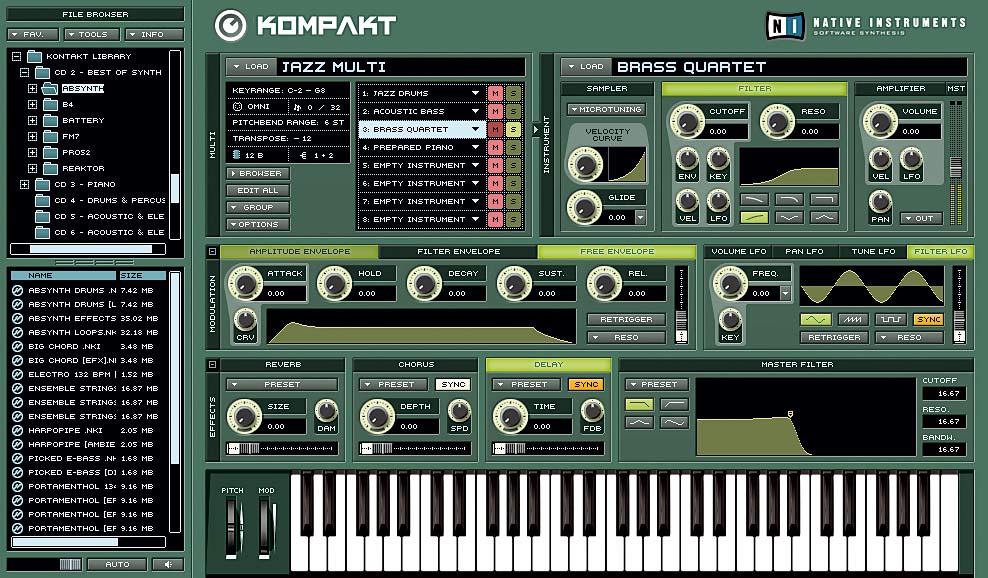
Kompakt v1 (Sampler) - Native Instruments
STATUS: Acquired
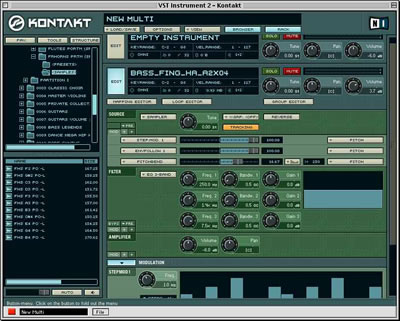
Kontakt v1.5.2 (Sampler / Sample Editor) - Native Instruments
STATUS: Acquired
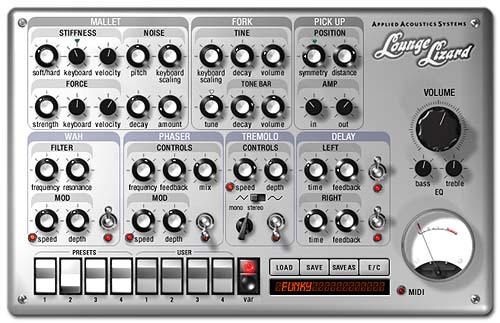
Lounge Lizard EP1 (Sound Module / Electric Piano) - Applied Acoustics Systems
STATUS: Acquired
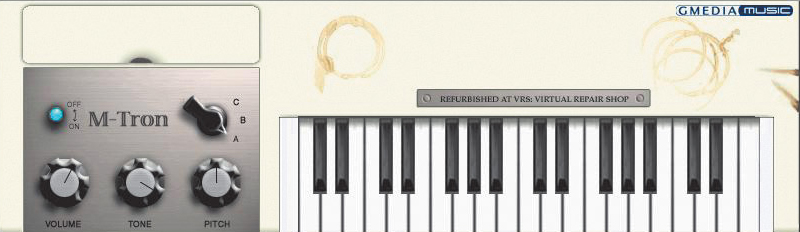
M-Tron (Virtual Mellotron, Tape-based Emulation) - GMedia / GForce
STATUS: Acquired
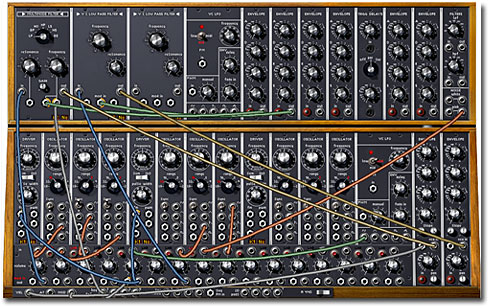
Moog Modular V2 (Synthesizer) - Arturia
STATUS: Acquired
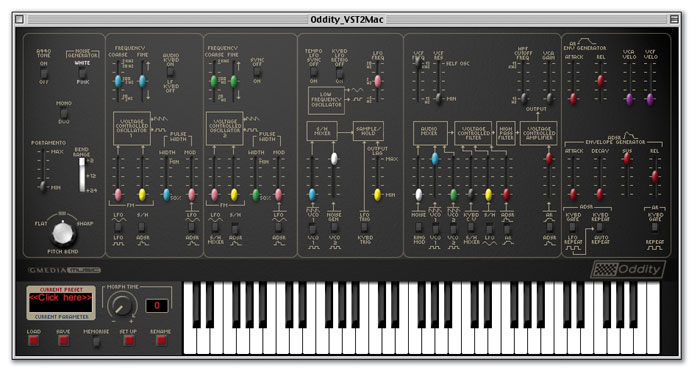
Oddity (Virtual Mellotron, Tape-based Emulation) - GMedia / GForce
STATUS: Acquired
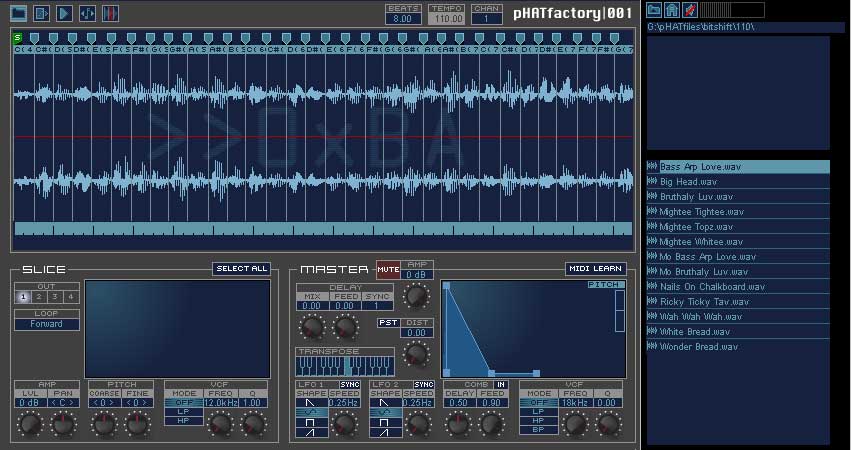
pHATfactory 001 (Loop Instrument) - Bitshift Audio
STATUS: Acquired
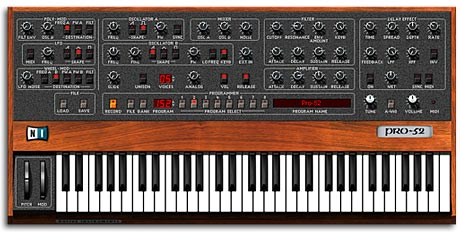
Pro-52 (Synthesizer) - Native Instruments
STATUS: Acquired
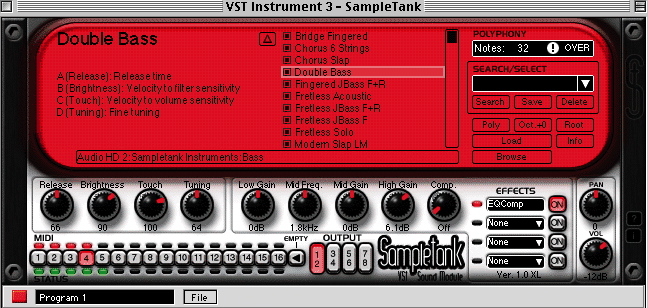
SampleTank (Sampler) - IK Multimedia
STATUS: Acquired
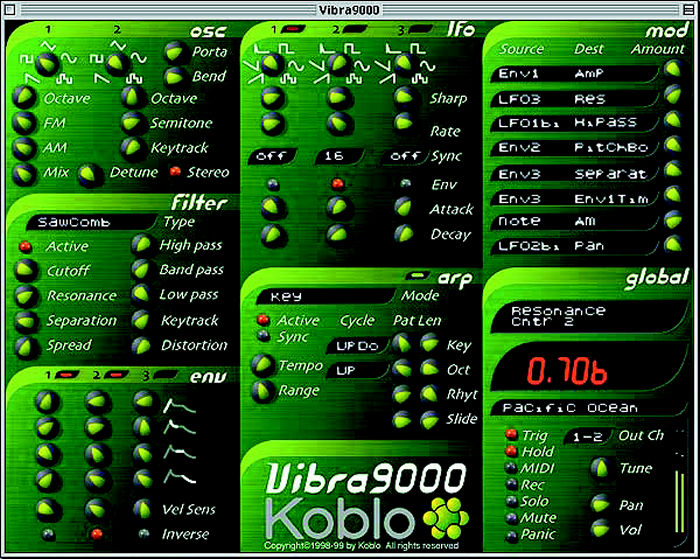
Studio9000 v2.5 (Synthesizer Collection) - Koblo
STATUS: Acquired
In Progress.... Stay Tuned
Absynth 2 (Synthesizer) - Native Instruments
STATUS: Acquired
Quote
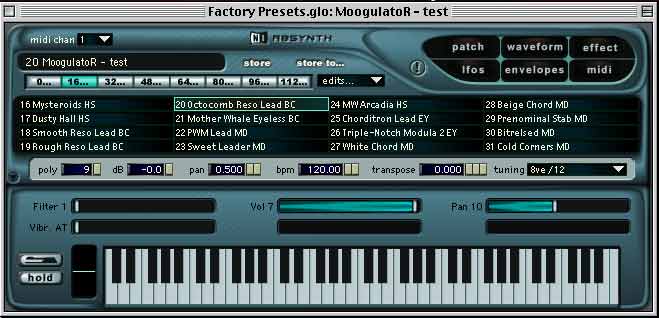
Absyth itself is best described as a three-oscillator structure where each oscillator originally (in v1) offered a choice of preset single-cycle waves, plus a facility allowing the user to draw new waves or modify existing waves in interesting ways, either by means of a fractal tool or via other in-built wave-shaping methods. It produces wonderful evolving textures, but it can also handle searing leads, deep basses and industrial-sounding rhythms and drum hits.
Albino v1 (Synthesizer) - Linplug / Rob Papen
STATUS: Acquired
Quote
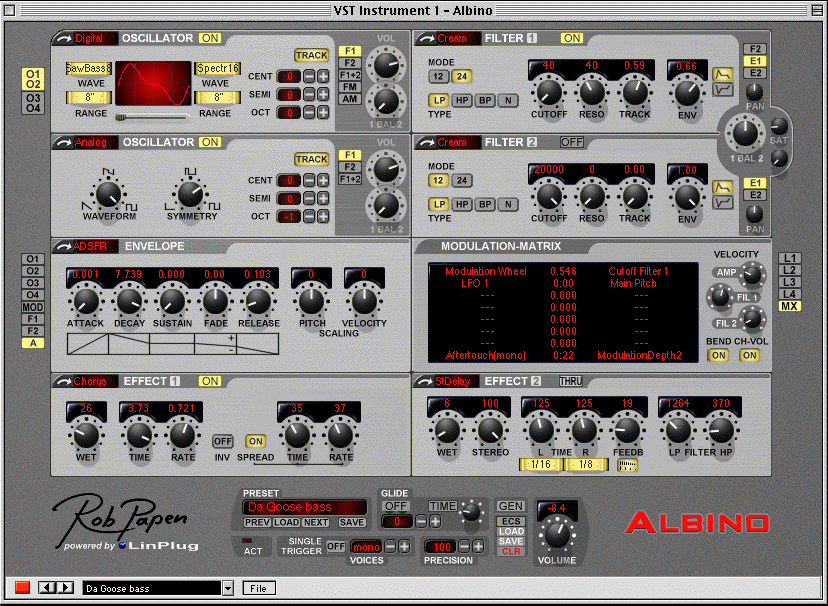
The Albino is the result of a unique collaboration between LinPlug VST instrument designer Peter Linsener and sound designer Rob Papen. The Albino is a fully professional, thirty-two note-polyphonic synthesizer and features a modular design that includes three types of oscillator, two types of stereo filter, two types of envelope, four LFOs, an eight-by-eight Modulation Matrix and two separate stereo effects units each containing six different effects processors.
B4 v1 (Virtual B3 Organ) - Native Instruments
STATUS: Acquired
Quote
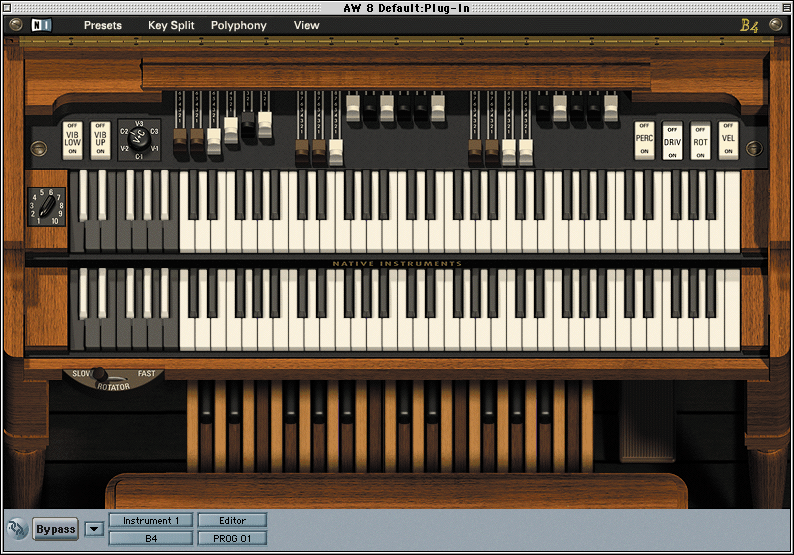
The B4 is a software plug-in that emulates the look and sounds of the classic Hammond B3 tonewheel organ and rotating speaker. It has an authentic looking B3 look and feel, complete with drawbars, dual manuals (keyboards) and a pedal keyboard.
Battery v1 (Drum Sampler) - Native Instruments
STATUS: Acquired
Quote
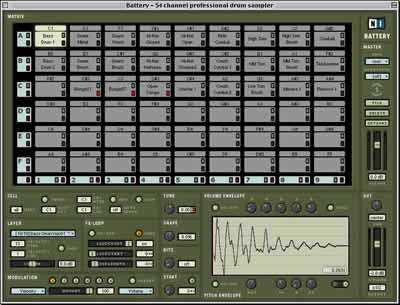
A percussion section is sometimes called a battery. Native Instruments' Battery puts a percussion section on your desktop, and in this case, the batteries are definitely included. Battery comes with 20 Kits (more than 600 MB of percussion samples) covering a broad range of styles. In addition to its own Kits, Battery can load Kits in Akai, LM-4, LoopAZoid, Reaktor, and SoundFont2 formats. Battery stands apart from the crowd in its ease of use, its thoughtfully designed user interface, and its extensive real-time sample processing.
CS-80 v1.5 (Synthesizer) - Arturia
STATUS: Acquired
Quote
Virtual Yamaha CS80 Synthesizer. Two oscillators included; one perfectly reproduces the unique CS-80 saw-tooth waveform, showing the typical 30s pulse at the top of the curve (responsible for an edgy sound), the other one is based on a new triangle algorithm with improved Pulse Width Modulation (an Arturia exclusive).
D'cota (Synthesizer) - Steinberg
STATUS: Acquired
Quote
D'cota provides four ADSR envelopes and two freely synchronizable LFOs for each of the three synthesis forms.
Eight different types of filter and two waveform generators feed two independent spectrum stages with user-definable curves. The integrated Morph function allows easy fading between the two spectra in real-time. With its delays, distortion units, modulators and three oscillators featuring more than 60 waveforms for frequency, pulse width and ring modulation, the breathtaking power of the D'cota effect section opens up new, previously unexplored soundscapes.
Free Alpha (Synthesizer) - Linplug
STATUS: Acquired
Quote
Focussed on the essential modules of a subtractive synthesizer, Free Alpha offers true hands on operation. Everything is where you would expect it, nothing is more complex than it needs to be. Nothing is less powerful than it needs to be.
FM7 (Synthesizer) - Native Instruments
STATUS: Acquired
Quote
The FM7 plugin is based upon the classic and legendary sounds of FM synthesis found in Yamaha's DX-series, from the DX7 to the DX200! The FM7's brilliant user-interface makes FM synthesis understandable, and for the first time, visually intuitive. FM7 offers polyphony of up to 99 notes.
impOSCar (Synthesizer) - GMedia / GForce
STATUS: Acquired
Quote
The impOSCar plugin is modeled on the unique and wonderfully esoteric British synthesizer, the OSCar, manufactured between 1983 and 1986 and subsequently used to great effect by artists such as Ultravox, Jean-Michel Jarre, Stevie Wonder, Underworld, Orbital and even Oscar Peterson.
Kompakt v1 (Sampler) - Native Instruments
STATUS: Acquired
Quote
The Kompakt sampler can load software instruments (or patches) into memory to be played back via a MIDI controller or sequencer. Each instance of Kompakt can load up to eight instruments at a time. It also uses Multis (which are files defining a group of instrument patches) and allows the user control over the sound of the instrument with envelopes, LFOs, filters and effects, and other such controls. Note: This is a simplified version of Kontakt.
Kontakt v1.5.2 (Sampler / Sample Editor) - Native Instruments
STATUS: Acquired
Quote
Kontakt is a sampler that supports up to 256 stereo voices, 16-part multitimbral and 32 outputs per plugin, 16 per standalone instance. It offers real-time granular time-stretching and resynthesis; drag and drop sample management; an integrated beat machine for synchronizing drum loops in the host sequencer; graphical display for sample mapping and setting of key ranges; integrated EQ, delay, reverb and waveshaper effects; 17 different filter types; tempo-synced step-modulators, LFOs and multi-stage envelopes; integrated loop editor with waveform display; and support for eight loop points.
Lounge Lizard EP1 (Sound Module / Electric Piano) - Applied Acoustics Systems
STATUS: Acquired
Quote
The latest attempt to bring the electric piano into the digital age comes from Canadian software house Applied Acoustic Systems. Their expertise in physical modelling has been used to create a dedicated virtual electromechanical piano that emulates a Fender Rhodes or a Wurlitzer EP200.
M-Tron (Virtual Mellotron, Tape-based Emulation) - GMedia / GForce
STATUS: Acquired
Quote
M-Tron Pro is an emulation of the classic Mellotron - the unique tape-playback keyboard used by such luminaries as The Beatles, Yes, David Bowie, Led Zeppelin, The Moody Blues and Radiohead.
Moog Modular V2 (Synthesizer) - Arturia
STATUS: Acquired
Quote
Arturia's Moog Modular V is an excellent and affordable way to experience the classic Modular Synthesizer. In short, modular synthesis was the birth of analog (and eventually digital) synthesis in which various task specific "modules" were linked together to create musical sounds. One module may consist of an oscillator, another may be the filter, an effect, an LFO, etc. Users would patch cables between them to route a signal from module to module in an effort to create musical sounds.
Oddity (Virtual Mellotron, Tape-based Emulation) - GMedia / GForce
STATUS: Acquired
Quote
The Oddity faithfully recreate the look and sound of the classic Arp Odyssey synthesizer. Every nuance of the original instrument's circuitry and design has been replicated.
pHATfactory 001 (Loop Instrument) - Bitshift Audio
STATUS: Acquired
Quote
pHATfactory | 001 is the first in a series of planned sample-based virtual instruments. Each pHATfactory comes with a substantial library of loops in pHATfile format, but unlike a standard loop library, pHATfactory loops can play back at any tempo perfectly synced to any VST 2.0 compliant host software. Musicians can also twist loops beyond recognition using the included DSP and synthesis tools, like delay, distortion, ADSR envelopes, a comprehensive mod matrix and more.
Pro-52 (Synthesizer) - Native Instruments
STATUS: Acquired
Quote
The Pro-52 plug-in is the next step in the evolution of the virtual Sequential Circuits Prophet-5 synthesizer (it replaced the Pro-Five which was also by Native Instruments). A new effects unit was added to the Pro-52 with echo, chorus and flanging effects. The Pro-52 offers some of the best and most compatible vintage synth sounds to modern musicians. It was later replaced by the Pro-53.
SampleTank (Sampler) - IK Multimedia
STATUS: Acquired
Quote
SampleTank is a powerful sampler engine which utilizes high quality multi-sampled sounds into a plug-in software instrument. It features 16 multi-timbral instruments per module, 128 voices polyphony per module, and up to 8 separate outputs per module.
Studio9000 v2.5 (Synthesizer Collection) - Koblo
STATUS: Acquired
Quote
The Studio9000 collection of software synthesizers is based on Koblo's proprietary Tokyo synth engine that allows the end user to run many different modules at the same time. The Studio9000 is the complete collection of virtual synthesizers developed by Denmark based Koblo, who just happened to be one of the pioneers in creating this technology. The Studio9000 is a complete sound generation bundle for creating dance and rhythmic synth based musical compositions in new ways.
In Progress.... Stay Tuned
Hi...
I do not have any documentation for my color classic. I suspect someone can point me to a web site so I can read up on how to do this. If you can, please post a URL and I will read. My CC is running 7.5.3 and I can upgrade to 7.5.5 if I want. I hate to waste some one's time with such a remedial question. So just point me to a web site and I can start reading.
I need to learn how to make a boot floppy or a boot CD. I need to add some odd ball software to the boot floppy or CD. The software was recommended to me by Manabu Sakai. He is the fellow who built and is selling this CF to SCSI card on ebay:
http://www.ebay.com/itm/CF-AztecMonster-CF-3-5inc-SCSI-Converter-Card-New-Condition-for-AKAI-E-mu-/261937236424?pt=LH_DefaultDomain_0&hash=item3cfcad09c8
His card is made so it screws correctly to the sled that my standard sized SCSI hard drive uses in my Color Classic.
He told me that normal Macintosh partition and init (format) software will not recognise the CF card. He recommended some software to me which I now have. I would tell you the name of it if I had a mac in the house that was up and running. But my Mac is taken apart and I am getting some work done on the analog board. And to answer this question again - I am moving from the US to Ecuador and Ecuador will only allow me to bring in two computers. So I had to sell all my other Macs, and PCs. I am bringing my Color Classic and a dual boot ubuntu/PC box. The software came on a floppy and just said "driver" on it. When my Mac was up and running I saw that it is a software package that works with older Macs and will partition and format almost anything.
I just do not know where to go to read up on this stuff. Point me some place please.
Thanks for the help.
jack
I do not have any documentation for my color classic. I suspect someone can point me to a web site so I can read up on how to do this. If you can, please post a URL and I will read. My CC is running 7.5.3 and I can upgrade to 7.5.5 if I want. I hate to waste some one's time with such a remedial question. So just point me to a web site and I can start reading.
I need to learn how to make a boot floppy or a boot CD. I need to add some odd ball software to the boot floppy or CD. The software was recommended to me by Manabu Sakai. He is the fellow who built and is selling this CF to SCSI card on ebay:
http://www.ebay.com/itm/CF-AztecMonster-CF-3-5inc-SCSI-Converter-Card-New-Condition-for-AKAI-E-mu-/261937236424?pt=LH_DefaultDomain_0&hash=item3cfcad09c8
His card is made so it screws correctly to the sled that my standard sized SCSI hard drive uses in my Color Classic.
He told me that normal Macintosh partition and init (format) software will not recognise the CF card. He recommended some software to me which I now have. I would tell you the name of it if I had a mac in the house that was up and running. But my Mac is taken apart and I am getting some work done on the analog board. And to answer this question again - I am moving from the US to Ecuador and Ecuador will only allow me to bring in two computers. So I had to sell all my other Macs, and PCs. I am bringing my Color Classic and a dual boot ubuntu/PC box. The software came on a floppy and just said "driver" on it. When my Mac was up and running I saw that it is a software package that works with older Macs and will partition and format almost anything.
I just do not know where to go to read up on this stuff. Point me some place please.
Thanks for the help.
jack
sure DOES look good!!! 
OK. I just bought a Sun brand CD reader and burner. It came with cables that will let it plug into the back of my CCII logic board. My Color Classic will be put back together soon. I guess I can use a standard blank CD-R CD to burn to? I have a good working floppy in my Color Classic. I am running 7.5.3 and can upgrade to 7.5.5 if I want to. I have not burned with this CD drive yet (Can't figure out how to), but I can put a Mac CD in it, and it will show up on my Color Classic desktop.
I need to create a boot CD that includes some odd ball format and init software on it. Once I have that, then I can remove the HD in my CC replace it, and format and init the compack flash card.
I have been searching the web for a FAQ, or instructions on how to make a boot floppy but coming up empty handed.
jack
I need to create a boot CD that includes some odd ball format and init software on it. Once I have that, then I can remove the HD in my CC replace it, and format and init the compack flash card.
I have been searching the web for a FAQ, or instructions on how to make a boot floppy but coming up empty handed.
jack
i have this on the website, kinda useful. btw with SD and CF cards Lido7 is a good app to use.
you can use this to format zip disks, and most non apple scsi hard hard drives as well.
the other thing that is nice about the 7.5 boot floppy is you can boot up and have access to LocalTalk,
and you can reinstall all 19 parts over the local talk from another mac that contains the 19 part network install image.
“7.5.3 Boot Disk Image /w 7.5.3 (Patched) HD SC Setup”
7.5.3-PatchedHDSC.img.sit
you can use this to format zip disks, and most non apple scsi hard hard drives as well.
the other thing that is nice about the 7.5 boot floppy is you can boot up and have access to LocalTalk,
and you can reinstall all 19 parts over the local talk from another mac that contains the 19 part network install image.
“7.5.3 Boot Disk Image /w 7.5.3 (Patched) HD SC Setup”
7.5.3-PatchedHDSC.img.sit
If you have a PC, I highly suggest PowerISO, it allows you to create and burn HFS CDs & ISOs. I have used it several times to burn various ancient Mac CDs, including bootable ones. If you have an OS X machine, you should have no trouble making an HFS ISO and burning it right to CD in Disk Utility. HFS is called "Standard" format in the OS X Disk Utility, "Extended" is HFS+